






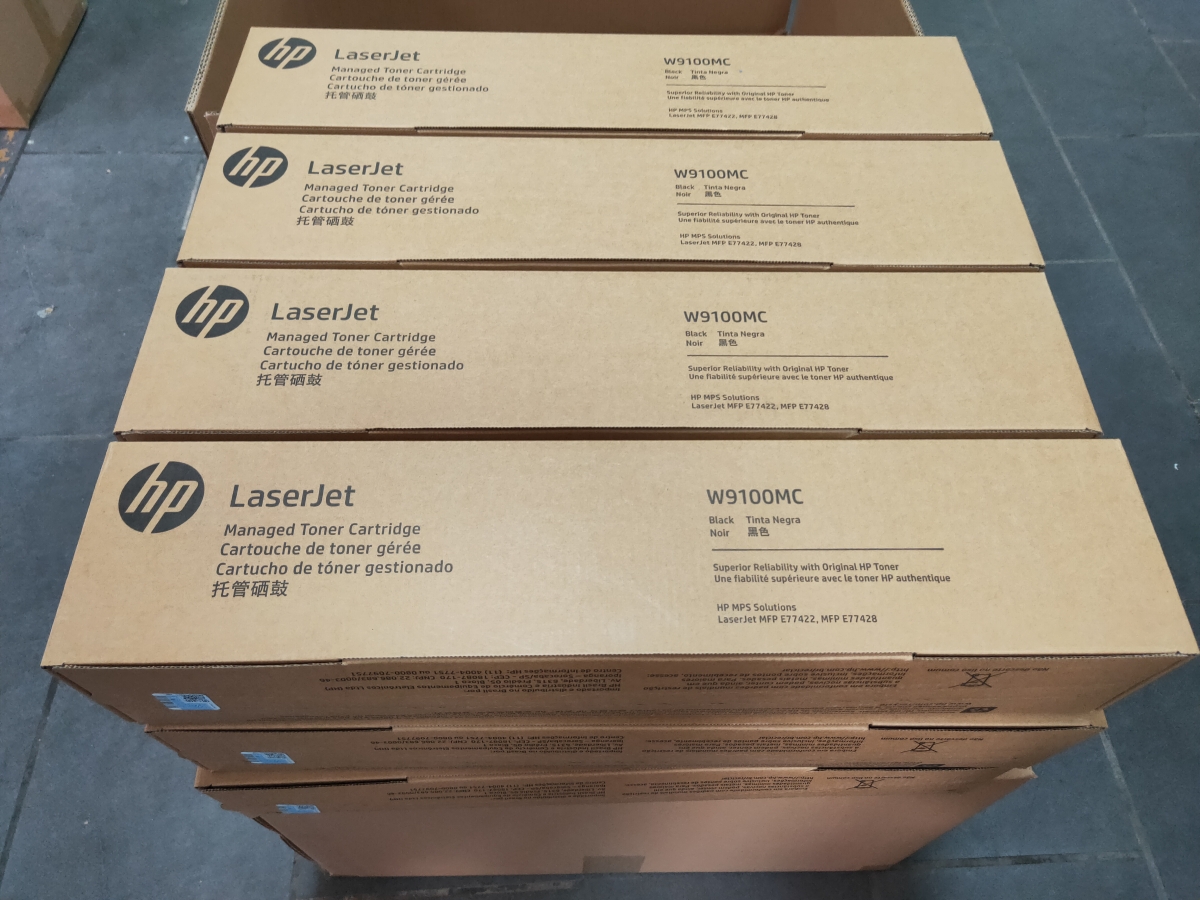
Honhai Technology has been supplying customers with high-quality printer accessories for over a decade, and we are aware of how to take care of your printer to achieve the best possible printing effects and greatest durability. With respect to toner cartridges for HP printers, the way you store and handle them affects both the quality of your printed pages as well as the long-term performance of the cartridge.
1. Why Genuine HP Toners
We recommend using genuine HP toners to ensure the best printing results. HP manufactured the original toners specifically for use with their printers and designed the toner for maximum print productivity, performance, and reliability.
2. Storage Before Using an HP Toner Cartridge
It is important to keep your new HP toner cartridge sealed in its original packaging until you are ready to use it. If you open the packaging prior to installing the toner cartridge, store it back in its packaging and place it in a controlled environment. Be sure not to expose the toner cartridge to any sort of direct sunlight, as this will damage the sensitive electronic components of the cartridge.
3. Storage of an HP Toner Cartridge After it Has Been Removed from the Printer
If you decide to remove your HP toner cartridge from your printer, there are several important things you need to follow to protect the integrity of the cartridge. ● Store the toner cartridge back into the protective bag included with the original toner cartridge packaging. ● When placing the cartridge back into its protective bag, it is important to also make sure the cartridge is placed horizontally, in the same position as it was when you originally placed it in the printer, to reduce the risk of any damage to the toner cartridge.
4. Do Not Store Your HP Toner Cartridges in Extremely Harsh Environments
In order to prolong the life of the toner cartridge, you should avoid storing it in an extremely dusty area, as well as exposing the toner cartridge to excessive heat, extreme cold, and/or direct sunlight, all of which can negatively affect the performance and life of the cartridge.
5. Careful Handling of the HP Toner Cartridge
When handling the toner cartridge, avoid touching the surface of the drum. The drum is very sensitive, and even the smallest fingerprint or contamination will negatively affect the print quality of the printed documents. Additionally, always avoid subjecting the toner cartridge to any sort of unnecessary shocks or vibrations, as these actions can result in internal damage or spillage of the toner.
6. Do Not Rotate the Drum of the HP Toner Cartridge Manually
The most critical piece of advice when it comes to using an HP toner cartridge is never to manually rotate the drum, especially when doing so in reverse. If you do manually rotate the drum, it is likely you will severely damage the internal components of the cartridge, which will significantly reduce its lifespan and reduce the quality of the printed pages.
By following these simple yet essential guidelines, you will maximize your return on investment in HP toner cartridges and ensure exceptional print quality and service longevity.
At Honhai Technology, Genuine toner cartridges HP W9100MC, HP W9101MC, HP W9102MC, HP W9103MC, HP 415A, HP CF325X, HP CF300A, HP CF301A, HP Q7516A/16A. It is the products that customers frequently repurchase. If you are interested, please feel free to contact our sales team at:
sales8@copierconsumables.com,
sales9@copierconsumables.com,
doris@copierconsumables.com,
jessie@copierconsumables.com,
chris@copierconsumables.com,
info@copierconsumables.com.
Post time: Dec-06-2025