






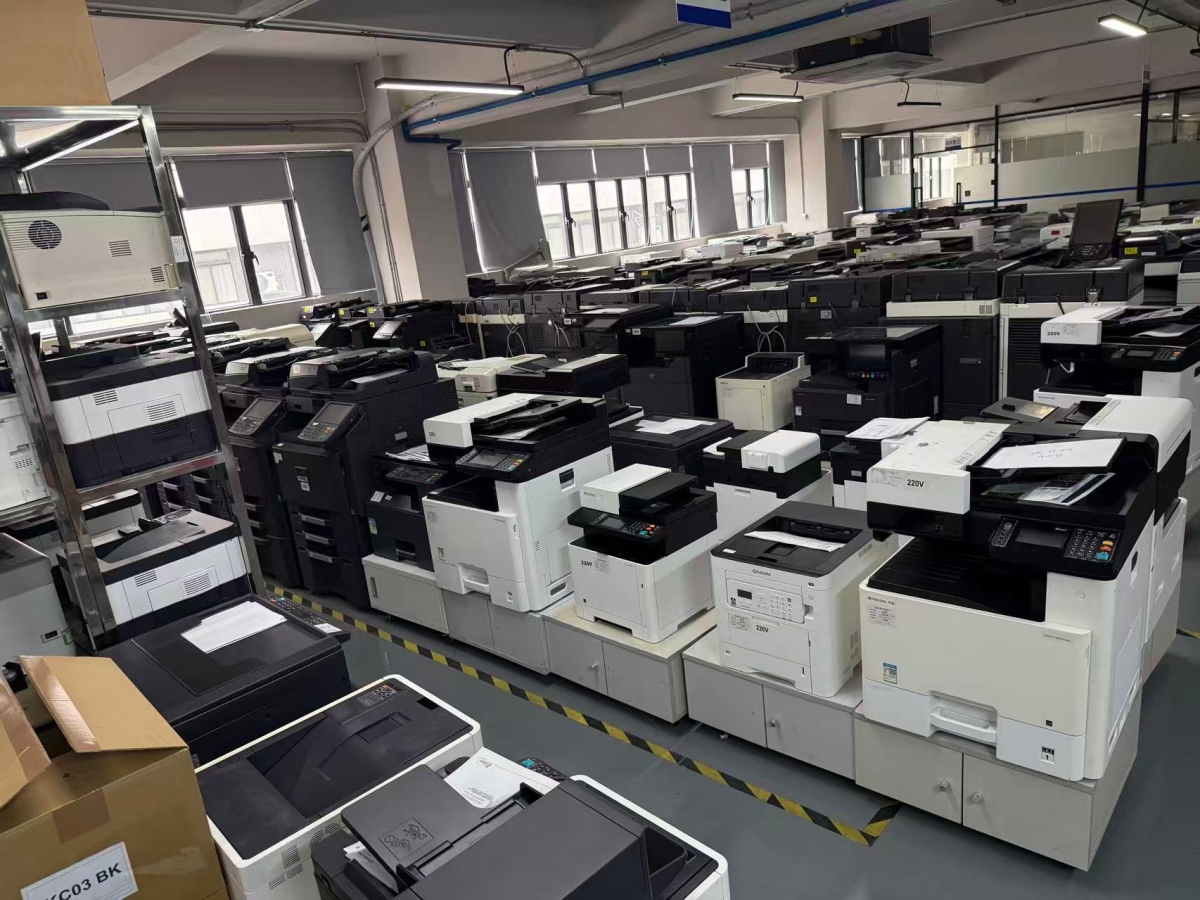
As the corporate world continues to increase, every day we accumulate additional expenses that are not reported on the corporate balance sheet, many of which go unnoticed but are quite significant. For instance, everyday printing for use at the office can produce many hidden costs through overprints, poorly managed printers and consumables, or not having a defined print management strategy. By implementing a number of proven strategies for optimizing printing, these costs can be greatly reduced, and overall workplace productivity will be enhanced.
Here are 10 Ways to Optimize Your Printing Costs and Increase Workplace Productivity:
1. Encourage the Use of Double-Sided Printing
Print double-sided rather than printing one side, which effectively doubles your consumption of paper. By enabling duplex (double-sided) printing to be the default setting in their printers, businesses can reduce their paper usage by up to 50 percent.
Most modern printers can automatically set duplex printing for many types of documents; therefore, by simply changing your default setting, you can achieve savings almost immediately with your printing costs.
2. Set Draft and Grayscale Mode as Default for Internal Documents
For internal documents that do not need to be printed in high-quality format, you can extend the life of consumables by utilizing “Draft” and “Black & White” (grayscale) modes.
3. Use Less Expensive Fonts and Optimize Margins
Fonts such as Garamond or Century Gothic require less ink when printed. Combine these more economical fonts with narrow margins to provide more information in fewer pages.
4. Regular Maintenance
Printers that are not well-maintained will produce unnecessary waste through misprints, streaks, and/or paper jams. Regular maintenance of printers will provide an overall benefit to the organization through improved quality of printed materials, reduced reprint requirements, and a longer life for the printer itself.
5. Utilizing High-Quality Compatible Consumables
Sourcing compatible printer toner and cartridges from an experienced, trusted manufacturer will deliver similar performance at a significantly lower cost.
While each of these ten actions may not seem significant, when taken together, they form a comprehensive and effective strategy for reducing costs and increasing productivity through optimized printing.
At HonHai Technology, we have spent over a decade supporting customers with dependable printer consumables and practical printing solutions. Such as Toner Cartridge Compatible for Ricoh Aficio MP C4502 C5502A, Toner cartridge Set for Ricoh MPC305 842079 842080 842081 842082, Toner cartridge Japan powder for Ricoh IM 4000 IM 5000 IM 6000 MP 2554SP MP 2555SP, Toner cartrige Set for Ricoh MPC2051 MPC2030 MPC2550 MPC2551 841503, Toner Cartridges for Ricoh 841284 841287 841286 841285 MPC4000 5000, Toner Cartridges Set CMYK Original Powder for Ricoh 842257 842256 842255 842258 IM C3500 C3000 C3500, Toner Cartridge Compatible for Ricoh Aficio MP C4502 C5502A, Toner cartridge original new powder for Ricoh IM C2500 842311 842312 842313 842314, Toner cartrige Set for Ricoh MPC2051 MPC2030 MPC2550 MPC2551 841503, Toner Cartridge 4 Color Set for Ricoh 841849 841852 841851 841850 MPC4503 MPC5503 MPC6003. We believe that efficiency, quality, and cost control can go hand in hand—and smart printing is a great place to start. If these model fits your machine, welcome to contact our sales team at
sales8@copierconsumables.com,
sales9@copierconsumables.com,
doris@copierconsumables.com,
jessie@copierconsumables.com,
chris@copierconsumables.com,
info@copierconsumables.com.
Post time: Dec-29-2025