






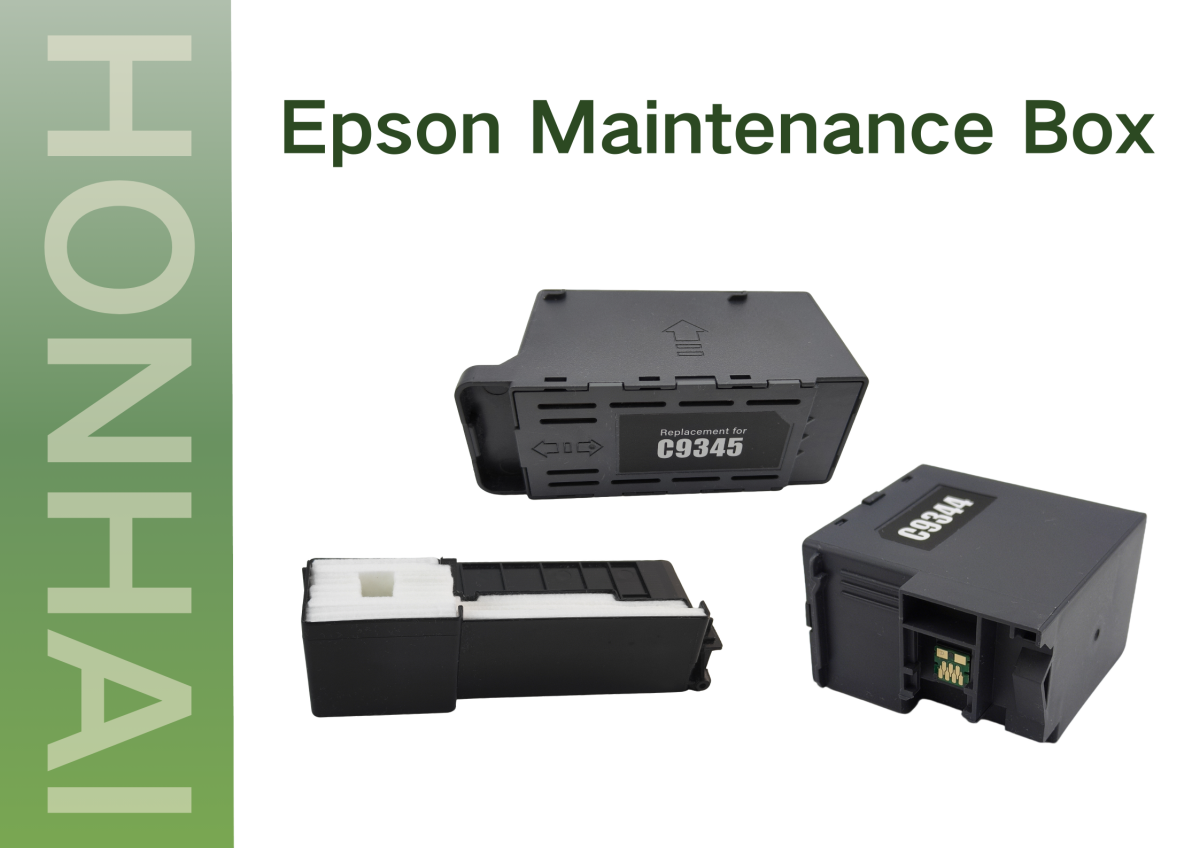
The maintenance box, or “waste ink box,” collects the ink that has been drawn out of the cartridge during the print head cleaning cycle, nozzle flushing process, and ink charging and initializing procedure. Because each type of ink that has been pulled out of the cartridge has a predetermined amount, an Epson printer continuously monitors the amount of each ink that it puts into the maintenance box. When the maintenance box’s full limit has been reached, the printer will automatically stop all functions to prevent an ink leak or injury to the internal workings of the printer.
The majority of the time, an Epson printer will give you a visual indication of when your maintenance box needs to be replaced. You may receive one of the following alerts:
* “Your maintenance box is getting close to being full.”
* “The maintenance box must be replaced.”
* “The printer needs to be serviced.”
When you receive one of these alerts, it’s not just a recommendation but a requirement that the printer requires the user to replace the maintenance box.
Replacing your maintenance box at the appropriate time is an easy way to extend your printer’s life and keep your machine working properly.
How Often Should You Replace the Maintenance Box?
There isn’t an exact time frame for replacing the maintenance box, as many different factors affect how often it will need to be replaced, such as:
* The frequency of printing and quantity of prints.
* How frequently the automatic head cleaning is done, or if you are doing it manually.
* How many images are heavy, or how many images are printed as a photo?
* Each model of Epson printers.
In general, users with a high print volume will need to replace their maintenance box much sooner than you may expect.
For most Epson printers, replacing the maintenance box is:
* Not required to have any tools.
* Typically takes a minute or less to do.
* Automatically recognized when a new box is installed.
When the maintenance box is installed, the printer resets the counter associated with the maintenance box, allowing it to continue on with its regular operation.
Although the maintenance box may appear to be a minor component of an Epson printer, it actually plays a very important role in keeping the printer functioning by preventing excess ink from contaminating the print head. By replacing your maintenance box at the correct intervals, you can avoid costly repairs and downtime associated with an Epson printer that needs to be serviced.
Such as C9344 T212 Maintenance Box For Epson L3550 L3560 L5590 WF-2830 2850 2851 with chip ink Waste cartridge, Maintenance Box for Epson WorkForce Pro WF C5210DW C5290DW C5710DWF C5790DWF T6716 T671600, Tank Ink Maintenance Box for Epson ET-3700 T04D100, Maintenance Box for Epson WF100 T295000, C9345 Ink Maintenance Box for Epson L15150 L15158 L15160 L8160 L8180 Printer parts. If you’re looking for dependable maintenance boxes for Epson printers. Our HonHai Technology team is always ready to support you.
Post time: Jan-20-2026